
Foncia claims the management of several hundred thousand lots in France, including co-ownerships and rentals. For tenants as well as for co-owners, the payment of rents and charges increasingly goes through MyFoncia, the group’s online customer space. Accessible at all times, the platform offers several dematerialized payment methods.
The promise is simple: avoid checks, delays, and back-and-forth with the manager. The challenge is to understand what each option concretely implies, and under what conditions online payment actually works.
Availability of online payment on MyFoncia: access depends on the file
A point rarely highlighted in user guides: online payment is not offered for every file. Depending on the type of mandate, the property manager or the local agency, certain features may not appear in the customer space. Before following a step-by-step tutorial, it is necessary to check in one’s own account if the option is activated, or to contact one’s Foncia manager directly.
This restriction may come as a surprise, but it is explained by the diversity of management contracts. A co-owner whose property manager has not yet migrated to the integrated payment system will simply not see the same menus as a tenant in traditional rental management. It is possible to pay via myfoncia with Cap Immobilier for more details on the procedures according to your situation.
Direct debit, e-payment, initiation of transfer: three different logics
MyFoncia is not limited to a “pay” button. The platform distinguishes three payment methods, each addressing a distinct need.
- The direct debit automatically debits the payer’s account at each due date, without intervention. It eliminates the risk of forgetting, but requires accepting a recurring debit whose amount may vary (for example, charge regularization).
- The e-payment on demand allows the payer to manually validate each payment. This option suits those who want to maintain control over their cash flow, even if it means having to log in at each due date.
- The initiation of transfer allows for triggering a bank transfer directly from MyFoncia, via the interface of one’s own bank. The amount and beneficiary are pre-filled, which reduces the risk of entering an incorrect IBAN.
The payment guide published by Foncia details the subscription to each of these options from the customer space. The procedure goes through the “My Payments” section, where the choice of method is made in a few screens.

Payment security on MyFoncia: what the platform covers and what it does not
Foncia presents its customer space as secure, accessible at all times and protected by the usual online payment standards. For direct debit, the protection is based on the SEPA framework: the payer has the right to dispute with their bank in case of unauthorized debit or an incorrect amount.
For the initiation of transfer, the situation deserves more attention. A completed transfer cannot be canceled by the payer. This is even more true with instant transfers, whose deployment is accelerating in the euro area. European regulation 2024/886 provides for aligning the fees of instant transfers with those of traditional transfers and requires banks to offer the issuance of instant transfers. The almost immediate execution makes verifying the beneficiary’s IBAN all the more crucial before validation.
In practice, the main risk does not come from the platform itself, but from email identity theft. Fraudulent messages imitating Foncia may request a transfer to a modified IBAN. MyFoncia pre-fills the beneficiary’s bank details, which limits this risk, provided that one always goes through the official customer space and not through a link received by email.
Checks to make before the first payment
Before activating a payment method, a few checks are necessary. The bank details registered in the customer space must be up to date, as an unreported change of bank account can lead to a rejected direct debit. For e-payment and initiation of transfer, it is also necessary to ensure that the payer’s bank allows online payments or transfers initiated from a third-party site.
Notifications from the customer space (or from the MyFoncia mobile application) allow tracking the status of each transaction. Activating these alerts prevents discovering a rejection several days after the due date.
MyFoncia mobile application: managing payments from a smartphone
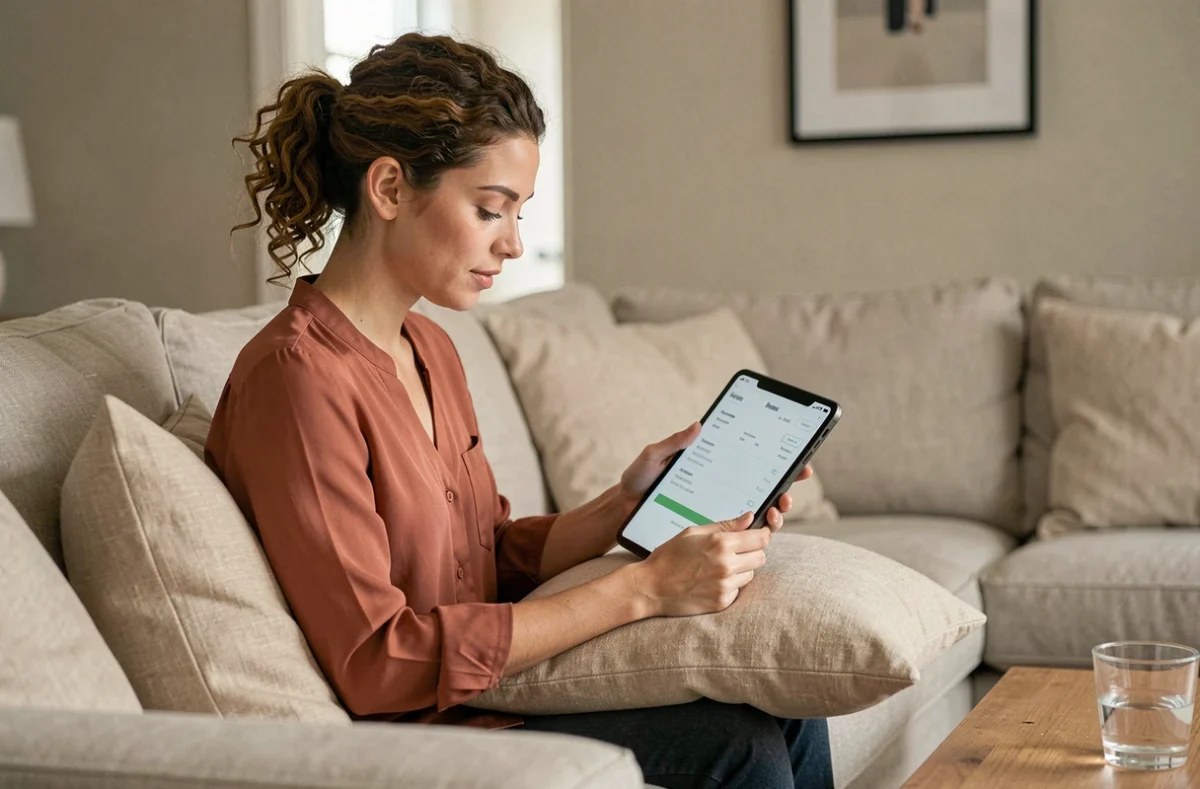
The MyFoncia application, available on the usual stores, replicates the functionalities of the web space. A tenant or co-owner can check their balance, validate an e-payment, or verify that a direct debit has been executed, without going through a browser.
The application also provides access to accounting documents: rent receipts, charge calls, account statements. All payment receipts are downloadable in PDF format, which facilitates administrative procedures (income declaration, rental file, housing assistance request).
For landlords, the dedicated space allows tracking rent collections and consulting rental management statements. Updating the landlord’s bank details is done from the profile, taking effect with the next payment.
Known limitations and cases where online payment is not sufficient
Online payment on MyFoncia does not cover all situations. Exceptional charge regularizations or calls for funds for work in co-ownership may require specific handling, sometimes outside the platform. In some cases, the property manager sends a separate call for funds that does not appear in the usual payment module.
A rejected direct debit not corrected quickly can incur fees and deteriorate the relationship with the manager. The platform reports incidents but does not automatically retry the payment: it is up to the payer to regularize.
Finally, for tenants leaving their accommodation, closing the MyFoncia account and stopping the direct debit are not always synchronized with the end of the lease. One must remember to cancel the direct debit mandate with their bank in parallel with the return of the keys.
Online payment via MyFoncia simplifies day-to-day management, provided that one chooses the method suited to their situation and verifies that their file is indeed eligible. Vigilance regarding bank details and notifications remains the best safety net, regardless of the chosen payment method.